
Website to carousel
Turn your website into a carousel
Your website already says what you sell, who it is for and why it is good. Paste its link and Tilzix turns it into a carousel for Instagram, TikTok and LinkedIn, in your colours, with your logo and your photos, in about a minute.
Free to try, no card. The first download is free too.
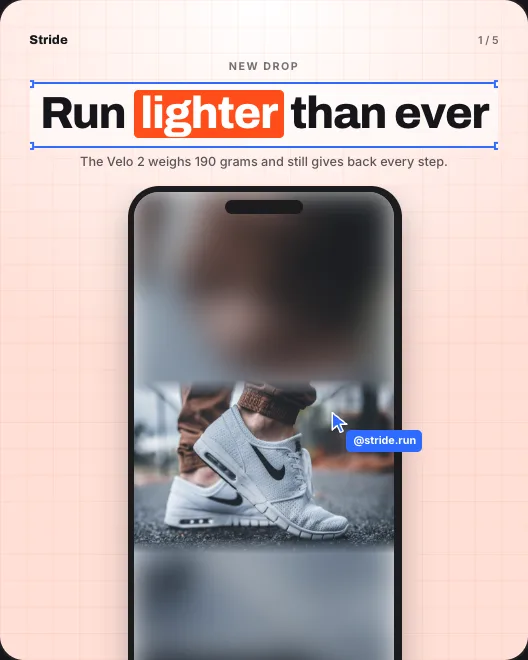
Slides made by Tilzix for a sample brand. Yours come out in your own colours, logo and words.
How it works
- 01Paste your link
Your website, your Instagram or your TikTok. Tilzix reads your colours, your logo, your photos and the way you talk.
- 02Get your carousel
In about a minute, the slides are written and designed in your brand, with a caption for each app.
- 03Make it yours, then post
Change any word, colour, font or photo. One tap tries a whole new look. Download in the size each app wants.
Your site is already the brief
Tilzix reads your pages for your products, services, prices and story, so you do not have to write a brief or think up what to post.
Your brand, picked up for you
Your colours, logo and photos come from your site. Nothing to upload, no brand kit to fill in.
Any page works
Paste your home page for a brand carousel, a product page to sell one product, or a blog post to turn it into a how-to.
No website? Use Instagram or TikTok
Paste your Instagram or TikTok profile instead, and Tilzix makes the carousel from your posts.
Pay only for what you post
Making and editing are free. One credit downloads one carousel, in every size. From $5 for 5 carousels, paid once, no subscription.
Questions
How do I turn a website into a carousel?
Paste the website's link into Tilzix. It reads the page, picks up the brand, writes the slides and designs them, in about a minute.
Which page should I paste?
The home page for a general brand carousel, a product or service page to promote one thing, or an article to turn it into tips.
What if my website is slow or small?
Tilzix only needs what is on the page. If it cannot read your site, paste your Instagram or TikTok instead.
Can I change what it wrote?
Yes. Tap any word on any slide to change it, and any colour, font or photo too.